What you can do with SoundFerry
Give your music a little more room.
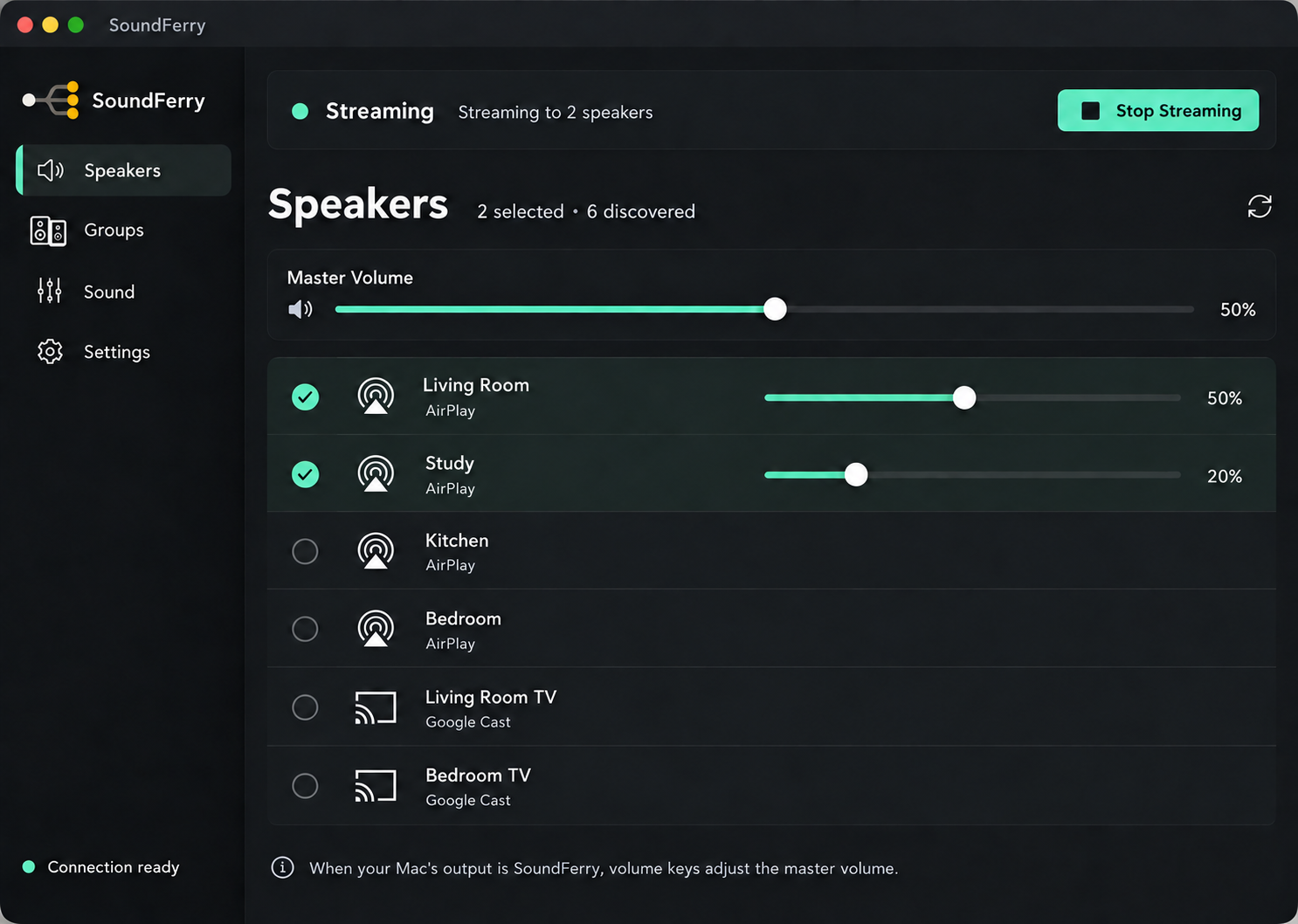
Take the playlist at your desk into the kitchen. Send your Mac audio to the AirPlay and Google Cast speakers you choose.
Make your music part of your day.
 Enlarge design preview ↗
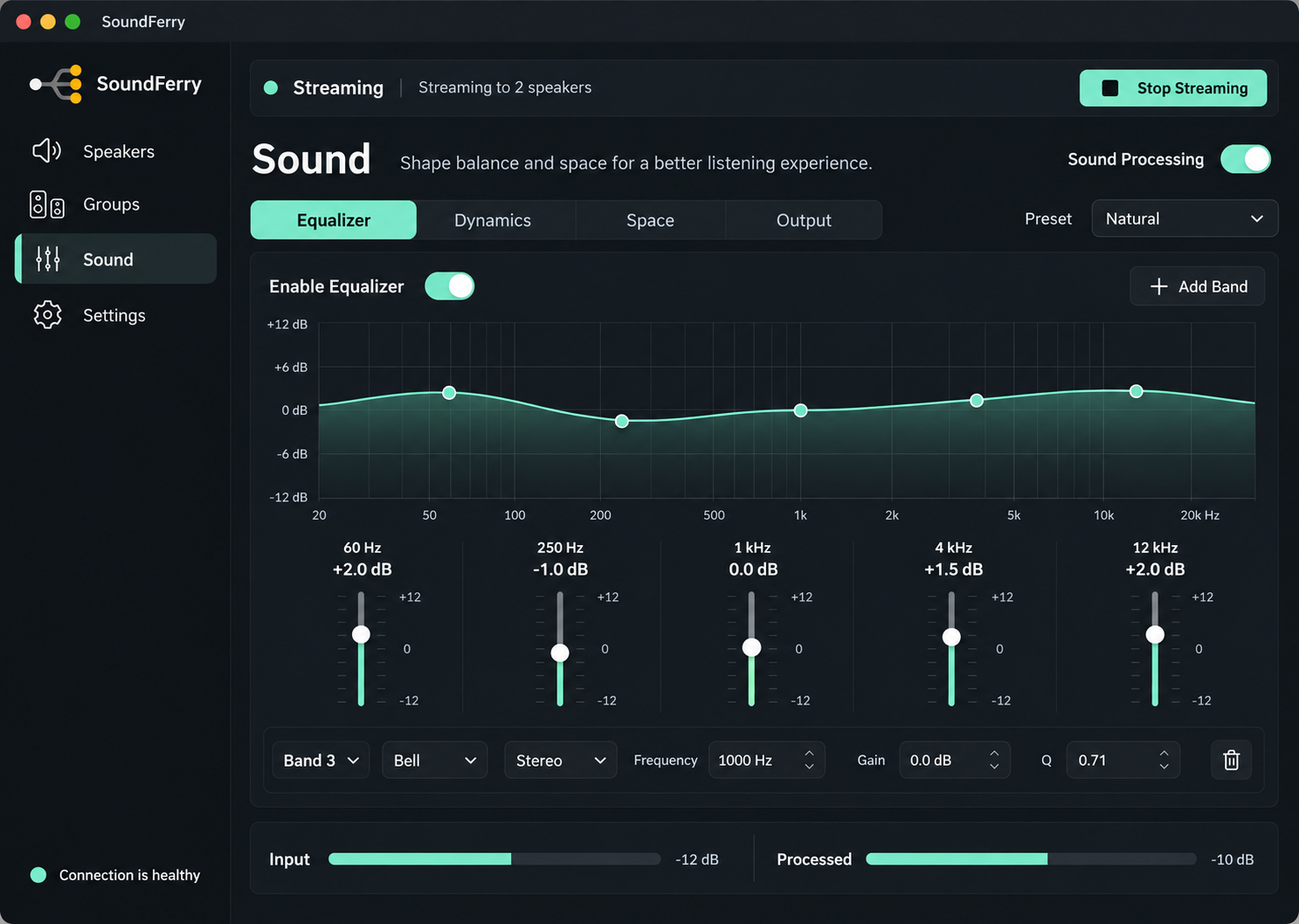
Sound settings
 Enlarge design preview ↗
From setup to your first song.
- 01
Set up SoundFerry
Install SoundFerry on your Mac and follow the driver installation prompts. Administrator approval and a restart are required.
- 02
Switch your Mac audio output
Choose SoundFerry in macOS Sound settings. If an app uses its own output setting, change that too.
- 03
Choose your speakers and press play
Select compatible speakers on the same network, then play music in your favourite app. Adjust the delay for individual speakers if needed.
Start with your own speakers.
Use compatible AirPlay or Google Cast devices with an Apple silicon Mac running macOS 14 or later. Connections and timing between speakers depend on your devices and network. The 7-day trial lets you try your own setup.
Audio has several seconds of delay. SoundFerry is suited to listening to music. It is not suited to instrument monitoring, gaming or calls that need an immediate audio response.
Let your music reach another room.
49 USD once, with no subscription. Start a 7-day trial with no payment card required.
- One-time purchase, no subscription
- 7-day trial
- macOS 14+, Apple silicon